

Get started in three steps
Get your documentation site running locally and make your first customization.Step 1: Create your account
Register Now
This will redirect you to create your own account now.
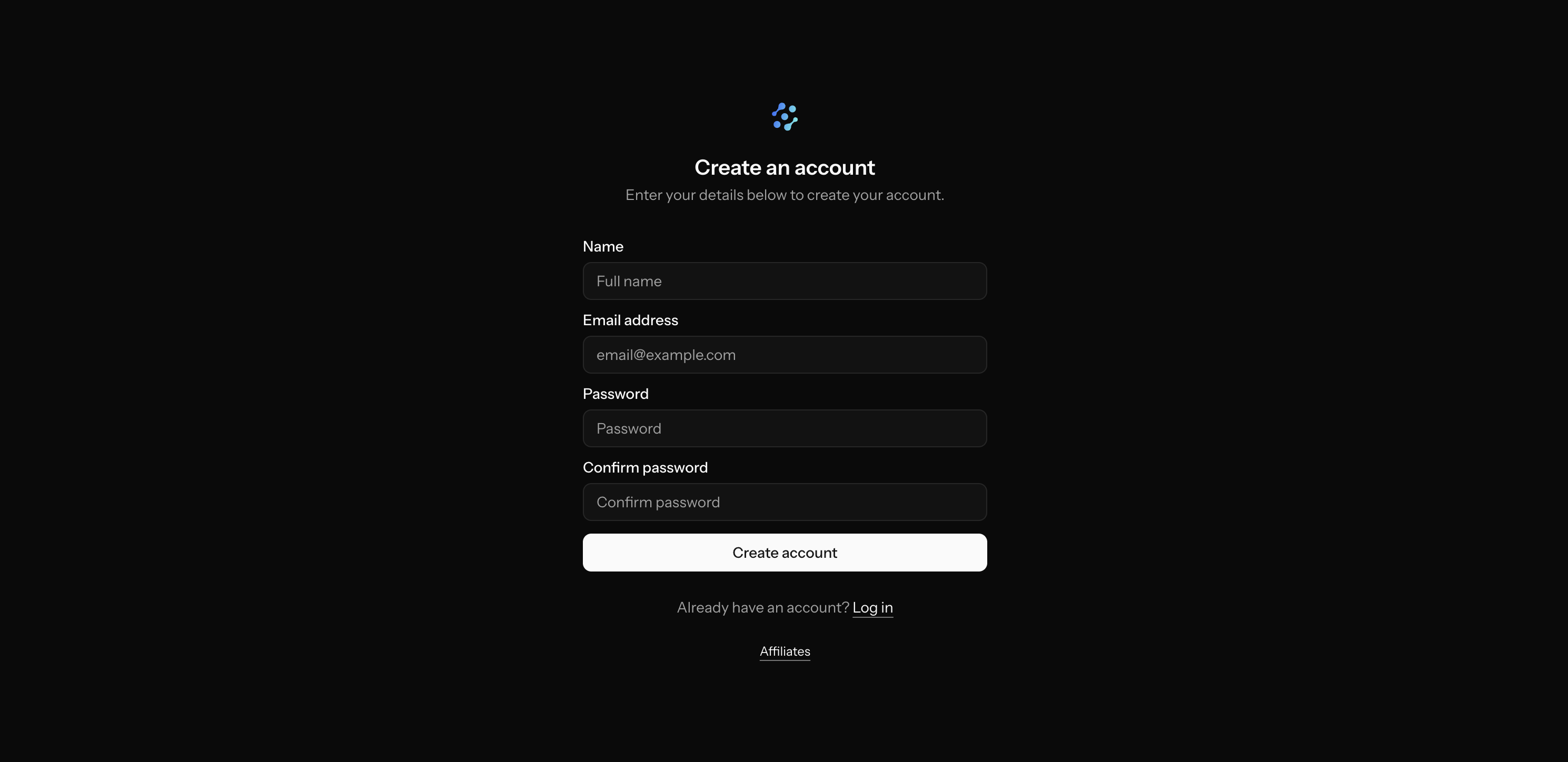
Already have an account? You can login here.
Step 2: Select your billing plan
OpenCharges has multiple billing options, including customized billing for enterprise customers. Select your plan for either ‘Professional’ or ‘Institutional’ NPIs and the plan that gives you access to an appropriate number of those NPIs.What's the difference in a 'Professional' and 'Institutional' billing plan?
What's the difference in a 'Professional' and 'Institutional' billing plan?
‘Professional’ billing plans only allow you to have access to NPIs with an entity type code of ‘1’, which are professional NPIs. ‘Institutional’ billing plans allow you to have access to professional and institutional NPIs.
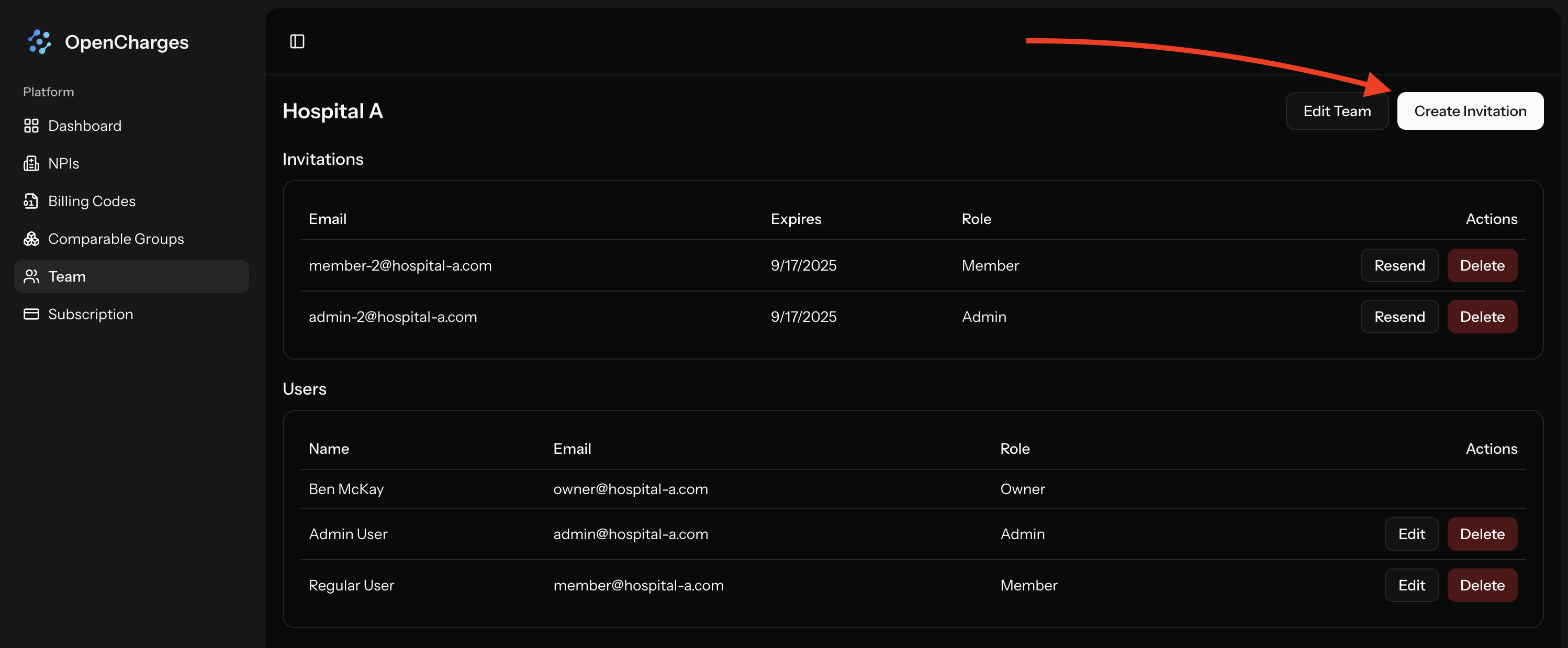
Step 3: Invite Your Team
Send invites to people on your team by clicking onTeam -> Create Invitation
Next steps
Now that you have your team up and running, explore these key features:NPIs
Learn how to view NPIs and their negotiated rates for payers.
Comparable Groups
Learn about Comparable Groups and how you can use them to make better analysis.